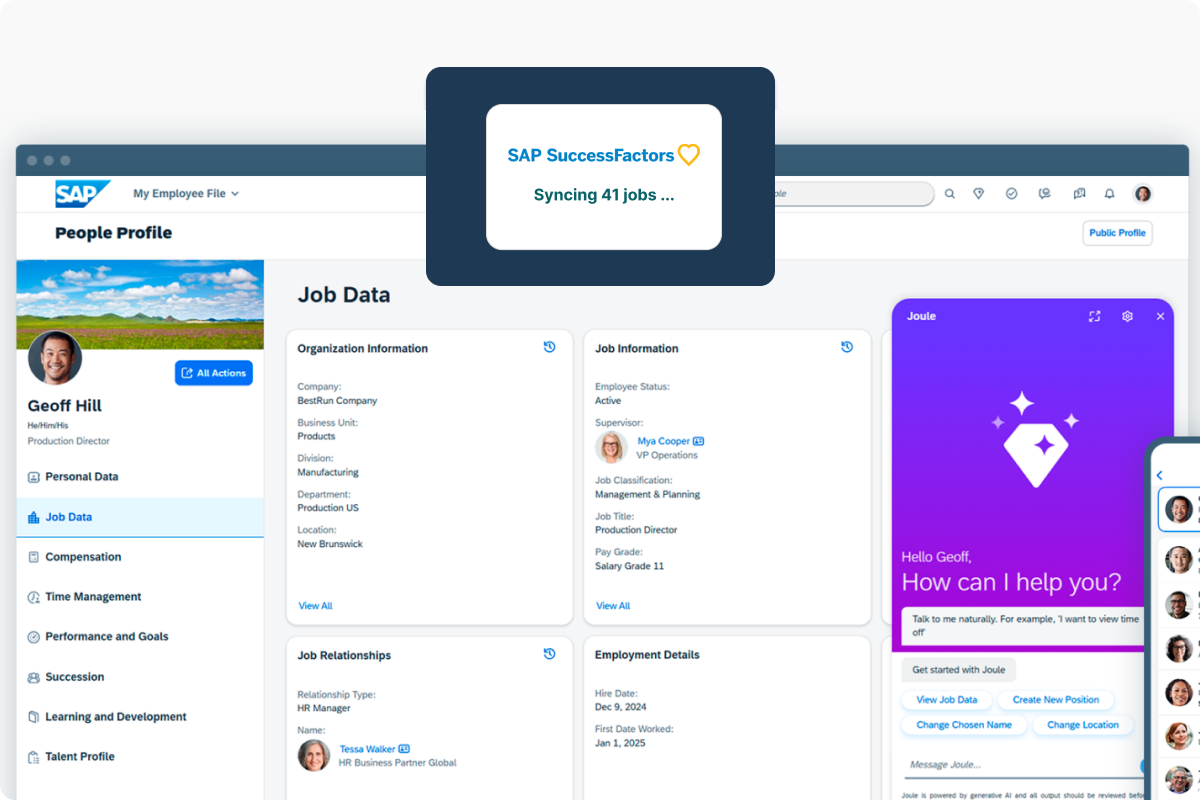
Approved classifications, roles, competencies, skills, and description sections land in Job Profile Builder on your schedule.
Update, not just create
JDX updates existing profiles as well as creating new ones, by round-tripping SuccessFactors' section identifiers.
GUID handling, already mapped
SuccessFactors identifies everything by GUID. JDX brings the ordered file set and the identifier exchange from a pattern built across previous implementations.
What this integration does
JDX is the system of entry for job information. Your SuccessFactors instance stays the system of record.
Send approved job content outbound to SuccessFactors Job Profile Builder
Pull job data back into JDX for jobs that originate in SuccessFactors
Bring in employee data on a scheduled feed, so JDX knows who reports to whom
Gate every transfer behind your approval workflow: nothing reaches SuccessFactors until it's approved
Use your existing SAP tooling: Integration Center handles the file exchange, and linking job roles to job codes generally needs Cloud Integration or another middleware layer
Request a technical review and we'll walk your SAP administrator through the file order, the GUID exchange, and where middleware fits in your configuration.